NBI verification Online Portal 2026

Your NBI clearance becomes more useful if the person reading it, or any institution, can trust that it is real. NBI verification online is the process of confirming that a clearance certificate is genuine, current, and actually issued by the National Bureau of Investigation, rather than forged or expired. Click the button given below to verify quickly and securely in a few seconds: 

Whether you’re an applicant double-checking your own copy or an employer screening a new hire, this guide walks through every verification method available, who actually needs to use it, and what to do when something goes wrong.

What Is NBI Verification Online?

NBI online verification is a database check that confirms whether the details on an NBI Clearance match the records in the NBI system.
nbi verification online feature image.webp
NBI verification

It checks key details such as:

  • Full name
  • Photo
  • NBI ID or reference number
  • Issue date and validity status

The result is usually shown as Valid or Invalid. A Valid result means the clearance matches the NBI records and is still active. An Invalid result can mean the clearance is expired, the details do not match, or the document may be fake.

This verification helps prevent the use of falsified or “recto-made” NBI clearances. A document may look genuine on paper, but the NBI database can reveal whether its details are actually recorded in the system. Using a forged (fake or illegally made) clearance can also lead to legal consequences under the Revised Penal Code.

NBI Clearance Verification Methods

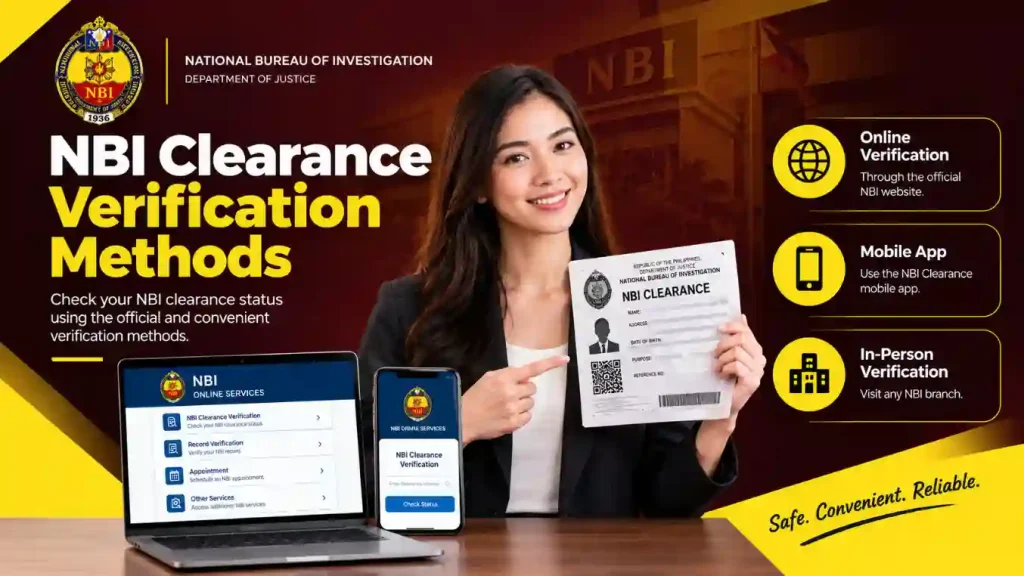
There are three ways to check if an NBI Clearance is real. The best method depends on what information you have and your situation.
NBI verification methods
  • NBI Verification Online: When you have a valid reference number or NBI ID, just visit the official website and verify it yourself. 
  • QR Code Verification: If you just got your NBI Clearance Document, you will see a QR Code on it; just scan it and check the validity.
  • In-Person Verification: Visit an NBI branch when the online result is unclear, or there is a problem with the document.

Each method is explained below, so you can follow the one that works for you.

How to Verify an NBI Clearance Online Using the Reference or NBI ID Number?

  • Go to the official NBI Clearance website at clearance.nbi.gov.ph and find the verification option.
  • Log in if the website asks you to sign in.
  • Enter the NBI ID number or reference number exactly as it appears on your clearance.
  • Complete the security check if one appears, then submit the details.
  • Check the result. The system may show the holder’s name, photo, and clearance status.

Make sure the information shown online matches the physical clearance. A wrong number, name, photo, or date can be a warning sign.

How to Verify an NBI Clearance Using the QR Code?

  • Open the QR code scanner in the NBI verification tool.
  • Allow camera access when asked.
  • Place the QR code inside the scanning box.
  • Wait for the system to read the code.
  • Check the verification result and compare it with the clearance.

This method can be easier because you do not have to type the reference or NBI ID number manually.

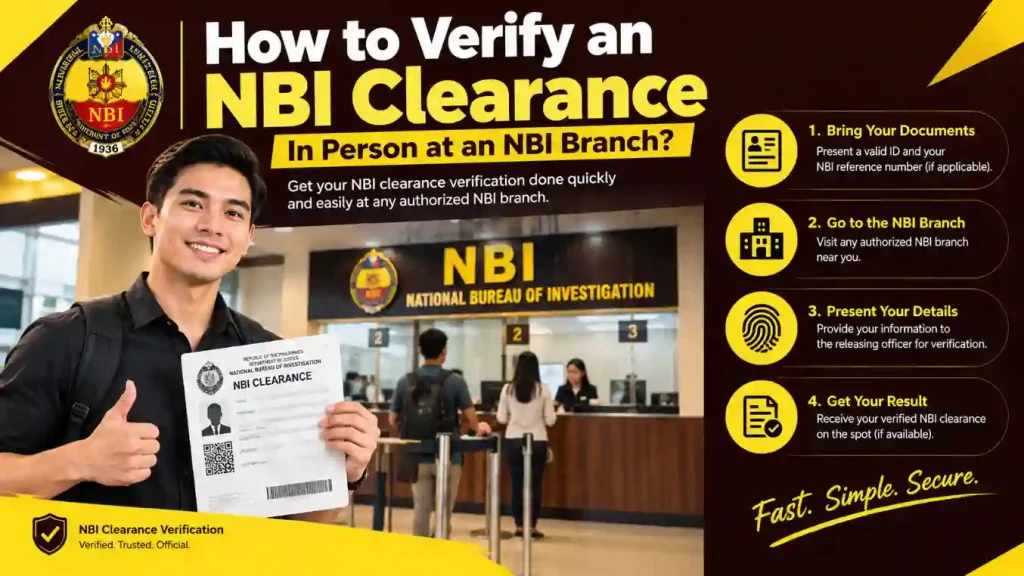
How to Verify an NBI Clearance In Person at an NBI Branch?
How to Verify an NBI Clearance In Person at an NBI Branch?

An in-person check can be useful when

  • The online result does not match the clearance.
  • You cannot complete the online check because of an internet problem.
  • The QR code is damaged, unclear, or cannot be scanned.

What to bring?

  • Your physical NBI Clearance
  • A valid government-issued ID of the person asking for the verification

NBI staff can check the information against their records and help resolve a problem that cannot be confirmed through the online system alone.

Who Needs to Verify an NBI Clearance?

NBI Clearance verification is not only for applicants checking their own documents. Employers, agencies, and other institutions may also verify a clearance to make sure it is genuine and still valid.

  • Applicants: Check their own clearance to make sure their name, birthdate, and photo are correct before using it for a job, visa, or other application.
  • Local employers: Verify that a submitted clearance is genuine and still valid before hiring, especially for jobs involving finance, security, or children.
  • Remote employers: Use database verification when they cannot compare the applicant’s document and photo with the person in front of them.
  • Agencies and institutions: Visa processors, background check services, banks, and landlords may verify a clearance as part of their basic checking process before approving an application, rental, or transaction.

Other Processes That May Require Verification

  • OFW deployment: Companies that help workers find jobs abroad and approved recruiters may check a worker’s clearance before completing the requirements for a job in another country.
  • DFA apostille processing: The clearance may need to be checked before DFA confirms that the document is real for use in another country.
  • Bank and loan applications: Banks or companies that give loans may check a clearance as part of their background check.

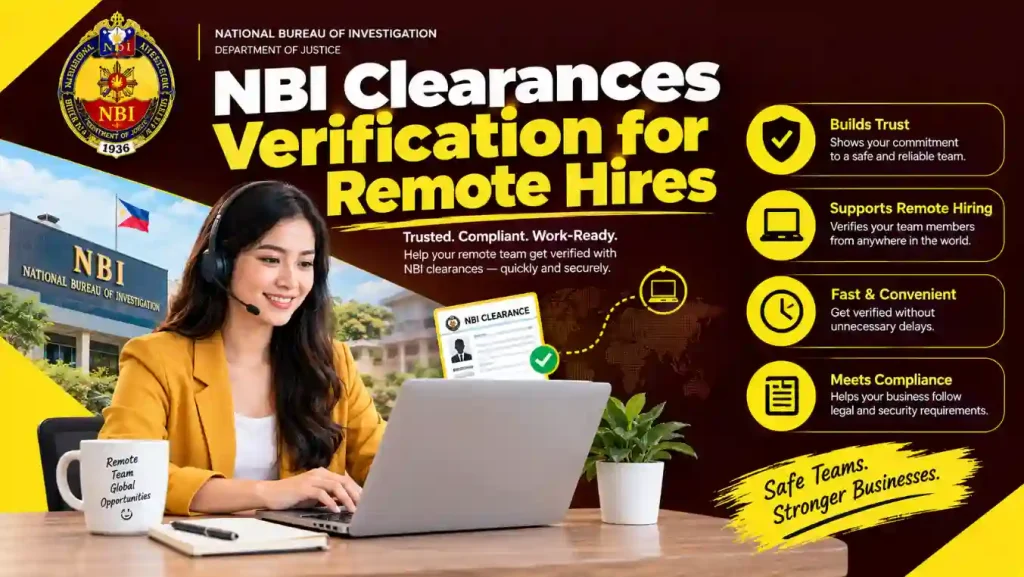
NBI Clearances Verification for Remote Hires

When you hire someone remotely, you may never meet them in person. This means you cannot easily compare the photo on their NBI Clearance with the person in front of you.
NBI Clearances Verification for Remote Hires

Because of this, it is better to check the clearance directly through the official NBI verification system.

  • Ask for the reference number or NBI ID number: Ask the applicant to send the number shown on their clearance, not only a scanned copy. A scanned document can be changed, but the number can be checked in the NBI system.
  • Check the number yourself: Enter the number into the official online verification tool instead of relying on a screenshot sent by the applicant. A screenshot can be changed or edited.
  • Be careful with an “Invalid” result: An invalid result should be checked carefully. Also, if an applicant refuses to provide the reference number or NBI ID number, it can be a warning sign because the number is used to confirm whether the clearance is real.

Common Problems and Solutions for NBI Verification 

The Result Shows “Invalid” Even Though the Document Looks Real

First, check the NBI ID or reference number again. Make sure every letter and number is correct because even one wrong character can give you an “Invalid” result.

If the number is correct but the result is still invalid, the clearance may have a problem. Contact NBI directly to check it instead of assuming the document is valid.

The QR Code Won’t Scan

Make sure the QR code is clear and easy to see. Use good lighting, keep the document or screen steady, and make sure the code is not covered or damaged.

If it still does not scan, use the reference number or NBI ID number instead.

The NBI Website Is Not Working

First, check your internet connection. You can try switching between Wi-Fi and mobile data or open the website using another browser or device.

If the website still does not work, check NBI’s official website or social media pages for any notice about a temporary problem with the system.

The Name or Photo Does Not Match

A small difference does not always mean the clearance is fake. For example, a name may be written differently, or a date may appear in a different format.

Still, it is better to check the information with the person who owns the clearance or contact NBI before accepting the document.

Signs of a Fake or Changed NBI Clearance 

You can also look for warning signs before checking the clearance online:

  • The font or spacing looks different from a normal NBI Clearance.
  • The QR code looks blurry, damaged, or appears to have been added separately.
  • The reference number does not look like the number normally used on an NBI Clearance.
  • The verification website is not part of the official NBI website.

Be careful with fake websites that look like the real NBI website. Before entering your NBI ID, reference number, or personal information, make sure you are using the official NBI verification website.

NBI Clearance Verification FAQs

Expired means the NBI Clearance was issued properly, but its 1-year validity period has ended. Invalid means the details entered do not match an NBI record. This can happen because of a typing mistake or because the document is not correct.

Yes. NBI online verification checks your clearance using NBI records, just like the records used by NBI offices. You can use it to check whether your NBI Clearance is genuine and valid. If your record has a HIT or needs more checking, you may still need to visit an NBI branch.

No. A Valid result confirms that the clearance is real and still active.It does not tell you everything about a person. For example, deciding whether someone is suitable for a job is a separate matter.

The NBI ID or reference number is printed on the clearance, usually near the QR code or in the top part of the document.You can use this number when checking the clearance manually.

Yes. You can scan the QR code instead of typing the NBI ID or reference number.The QR code sends the information directly to the verification system, so you do not have to type the number yourself.

QR code scanning is usually the fastest option because you only need to scan the code. You can also enter the NBI ID or reference number manually in this official link:  NBI Verification official 

Yes. A new NBI Clearance certificate may have a different NBI ID number from your previous clearance. During renewal, your old NBI ID may be used to connect your new application to your existing record, but the latest certificate is the one you should use for future verification. Always check the NBI ID number printed on your latest clearance rather than relying on an older one.

Yes. A typing mistake, a problem with the verification website, or an old session can cause an “Invalid” result. First, check the details again before assuming there is another problem.

To verify your NBI Clearance online, log in to the official NBI Clearance Portal using your registered email and password, then open the Transactions tab to view your active and past applications. Click your reference number to check whether your application is approved, paid, or needs further verification because of a name match (HIT). For a printed NBI Clearance, open the verification section, enter the reference number, full name, and birthdate shown on the document, or scan its QR code when available, then complete the security check to match the clearance with the official NBI database.

Conclusion

Verifying an NBI clearance takes less effort than dealing with the consequences of accepting a fake one. Whether you’re confirming your own document after release, screening a local hire, or someone you’ll never meet face to face, the same principle applies: trust the database result over the physical document, always verify through an official nbi.gov.ph address, and treat a failed or withheld verification as a reason to pause rather than a minor technicality.

JUAN DELA (NBI-Clearances.ph)

I’m Juan Dela, and I have more than five years of experience researching and working with information related to NBI Clearance applications and procedures in the Philippines.

Over the years, I’ve learned about the common questions and difficulties applicants face, from online registration and appointment scheduling to requirements, renewals, and claiming clearance. Visit About Us Page for more information.

juan dela nbi-clearances.ph content writer.

PH#: (02) 8523 8231

Email: [email protected]